How to Use IFTTT to find Freelance Writing Jobs
Part of your rebuilt static knowledge blog.
Here’s how you can use IFTTT to find jobs on autopilot.
1. First of all, you need to find the job board that sends you the latest job alerts. (Choose as many as you want) 2. Now, you need to find the RSS feed for the particular job board (Freelancewritinggigs has the RSS feed option in the top menu of the website. If you want to set up an RSS feed for subreddits then follow this guide.) 3. Head over to IFTTT and sign up for an account.
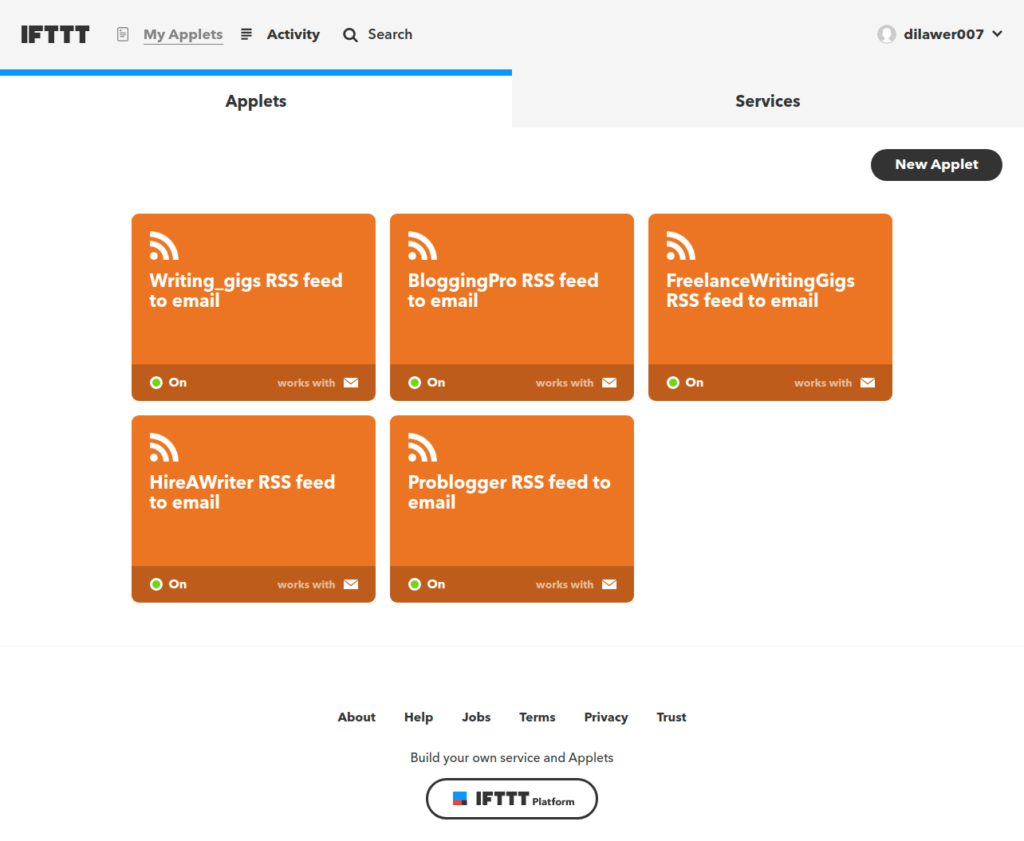
4. Now, Setup the applet: IFTTT RSS feed to Email. (Setting up the applet is extremely easy. Connect your email, give the applet a name, and add the RSS Feed URL in the given field, that’s all.)
3. Head over to IFTTT and sign up for an account.
4. Now, Setup the applet: IFTTT RSS feed to Email. (Setting up the applet is extremely easy. Connect your email, give the applet a name, and add the RSS Feed URL in the given field, that’s all.)
 5. Wait for the emails to start filling up your inbox. You can create a filter to send the emails to a specific folder or label.
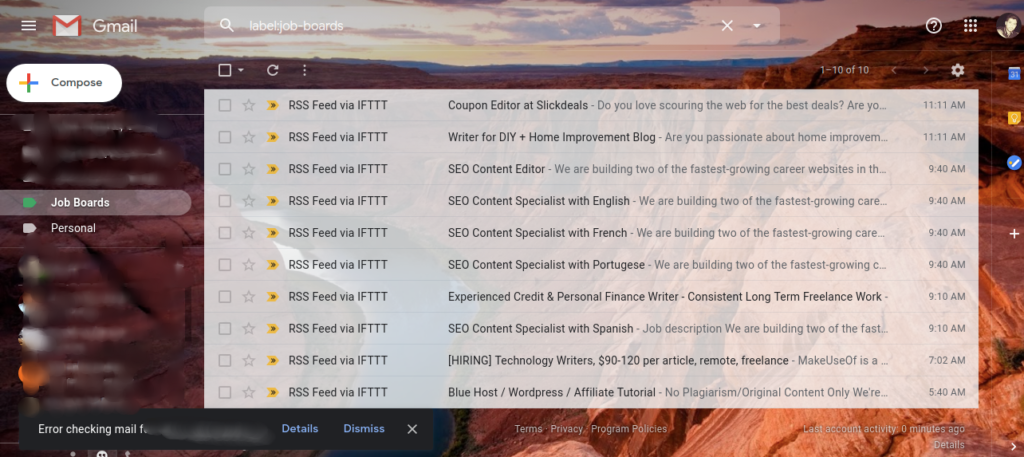 6. The final step is to review the jobs folder from time to time and apply to all the latest freelance writing opportunities that suit your expertise.
Note: You will have to create a new applet for each job board RSS feed.
This is how you use IFTTT to automate your job hunting process. It will save you a bunch of time and best of all, you can always be the first person to apply to the posted jobs.
6. The final step is to review the jobs folder from time to time and apply to all the latest freelance writing opportunities that suit your expertise.
Note: You will have to create a new applet for each job board RSS feed.
This is how you use IFTTT to automate your job hunting process. It will save you a bunch of time and best of all, you can always be the first person to apply to the posted jobs.